Convert PNG to DST
Embroidery Online
Convert PNG to DST embroidery files online with stitch preview. Upload your artwork and receive tested, machine-ready embroidery files in 1 hour.




Basic

Basic

Basic

Basic

Basic
Standard Logo
How to Convert PNG to DST | Complete Guide
Watch our step-by-step video demonstration on digitizing images for embroidery machines.
Online Custom Embroidery Digitizing Service: Why Hand-Digitizing Beats Auto-Trace
Choosing a professional custom embroidery digitizing service ensures your designs translate into flawless machine stitches. A PNG or vector image contains flat visual pixels, whereas a production-ready DST or PES embroidery file requires exact needle coordinates, thread angles, speeds, and density values engineered for commercial machines.
Our online custom embroidery digitizing service combines rapid 1-hour turnaround with master human precision. We calculate custom pull compensation, fabric underlay, and micro-text pathing so your logos stitch cleanly without puckering or thread breaks.
SUPPORTED EMBROIDERY FORMATS
* Every machine format delivered at no additional charge.
Specialized Embroidery Digitizing Services
Explore our specialized digitizing services tailored for specific apparel types, placements, and fabric finishes.
Custom Hat Embroidery
Center-out and bottom-up digitizing for snapbacks, dad hats, 3D puff foam, and knitted beanies.
Custom Logo Embroidery
Precision stitch angles and micro-text pathing down to 4mm for company logos and brand emblems.
Custom Hoodie Embroidery
Heavy fleece grid underlay for oversized center chest artwork, kangaroo pockets, and hood panels.
Custom Shirt Embroidery
Puckering-free left-chest digitizing engineered for pique polos, cotton tees, and dress shirt cuffs.
Custom Patch Embroidery
3-step placement pathing with merrowed borders, laser-cut satin edges, iron-on, and velcro backings.
Why Choose Our Custom Embroidery Digitizing Service
100% Manual Custom Digitizing
Auto-tracing software creates random jump stitches and thread breaks. We manually plot every node in our custom embroidery digitizing process to ensure your machine runs smoothly at top speeds.
1-Hour Fast Delivery
Get your machine-ready DST & PES files delivered in 1 hour so your embroidery shop never loses momentum.
All Machine Formats Included
Every PNG to DST conversion includes DST, PES, EXP, JEF & PDF proof.
Seamless Customer Hub
Track your PNG to DST converter orders and download files on any device.
Convert any image type to any format
Jump straight to your conversion — each page preselects the right machine format.
How to Convert PNG to DST
Turning a PNG into a production-ready DST embroidery file takes four simple steps — and about an hour. No software to install, no auto-trace guesswork.
Upload Your PNG
Create an order and drag in your artwork — PNG, JPG, SVG, or a PDF logo. There's nothing to prepare on your end. Send it exactly as you have it, even a low-resolution image or a quick screenshot; our team redraws everything from scratch.
- Accepts PNG, JPG, SVG, PDF, and AI files
- No minimum resolution — blurry files are fine
- Add notes: fabric type, thread colors, and final size
Expert Digitizing
A professional digitizer rebuilds your design stitch by stitch. Unlike auto-converters that blindly trace pixels, we manually set every parameter that decides whether your embroidery comes out crisp — or puckered and messy.
- Stitch type & direction mapped for each shape
- Density and pull compensation tuned to your fabric
- Underlay added for a stable, clean finish
Quality Check
Before anything is sent to you, the file is inspected and test-stitched on a real embroidery machine. We review color changes, trims, and small-text legibility, then correct anything that could misalign or pucker on your material.
- Real sew-out test on your target fabric
- Thread breaks and jump stitches minimized
- Free revisions until the result is perfect
Download Your DST
Your machine-ready file lands in your dashboard, usually within an hour. Download the DST plus every other major format at no extra charge — ready to hoop and sew immediately, no extra software required.
- DST, PES, JEF, EXP, VP3 and more included
- Stitch count & thread color chart provided
- Files saved to your account for re-download
Who Uses Our Custom Embroidery Digitizing Service
Whether you need custom embroidery digitizing for commercial polo shirts, caps, jacket backs, or promotional merch, our service delivers production-ready files tailored for your specific fabric.
Company Uniforms & Polos
Precision left-chest PNG to DST conversion for polo shirts, aprons, and workwear.
Hats, Caps & Beanies
Stitch paths optimized from bottom-up for cap frames during PNG to DST digitizing.
Promotional Merchandise
Image to embroidery converter optimized for bags, towels, and heavy canvas.
Sports Teams & Clubs
Bold satin lettering and tatami fill PNG to DST digitizing for jerseys and crests.
PNG to DST Converter Reviews
Real reviews from our community of embroidery artists.
Serena Swan
"Easy and Convenient. Very easy and super helpful team. The pull compensation was perfect for the beanies I was stitching. No gaps at all. thanks again :)"
Shelton Griffin
"Works great and quick. I tried 3 other services before Stitchique. This is the only one that handled small text correctly and saved me hours of frustration."
Kevin Shumway
"Super serious people. I needed a complex jacket back digitized and they delivered a clean, smooth file. Fixed a minor density issue in 15 minutes!"
Toni Geisler
"Amazing service, saved my production deadline on a large corporate order. Quality is night and day compared to auto-digitizing software."
Ilana Sela
"I switched to Stitchique after getting fed up with inconsistent quality elsewhere. Every design so far has been production-ready on the first try."
Stephen David Biss
"Worked great for me. I've purchased over 20 designs through them so far and the results are always professional. Clean paths, minimal thread breaks."
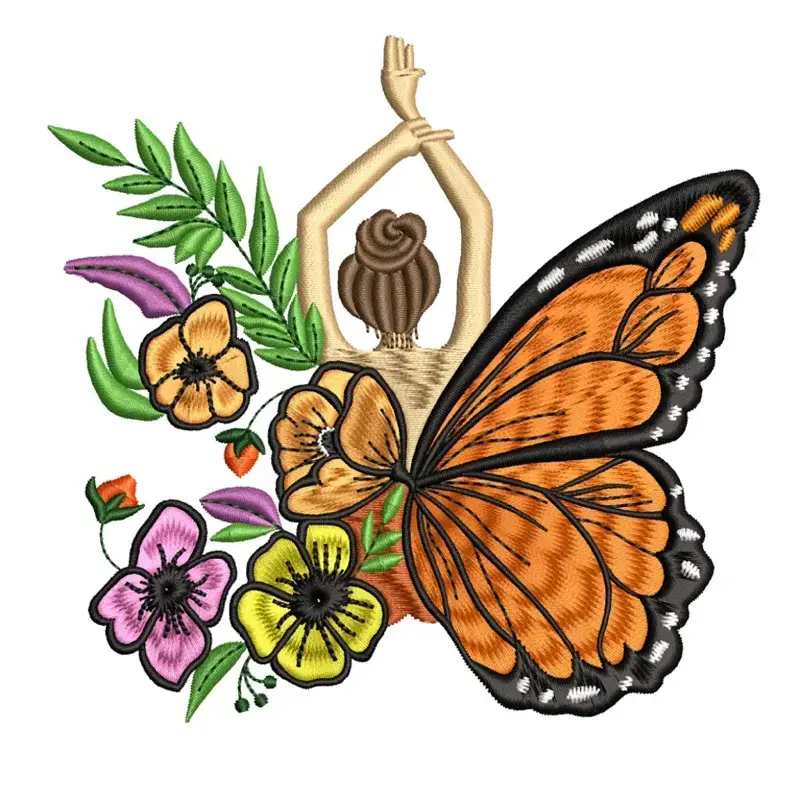
PNG to DST Embroidery Samples
Check out some of our recent manual digitizing work.
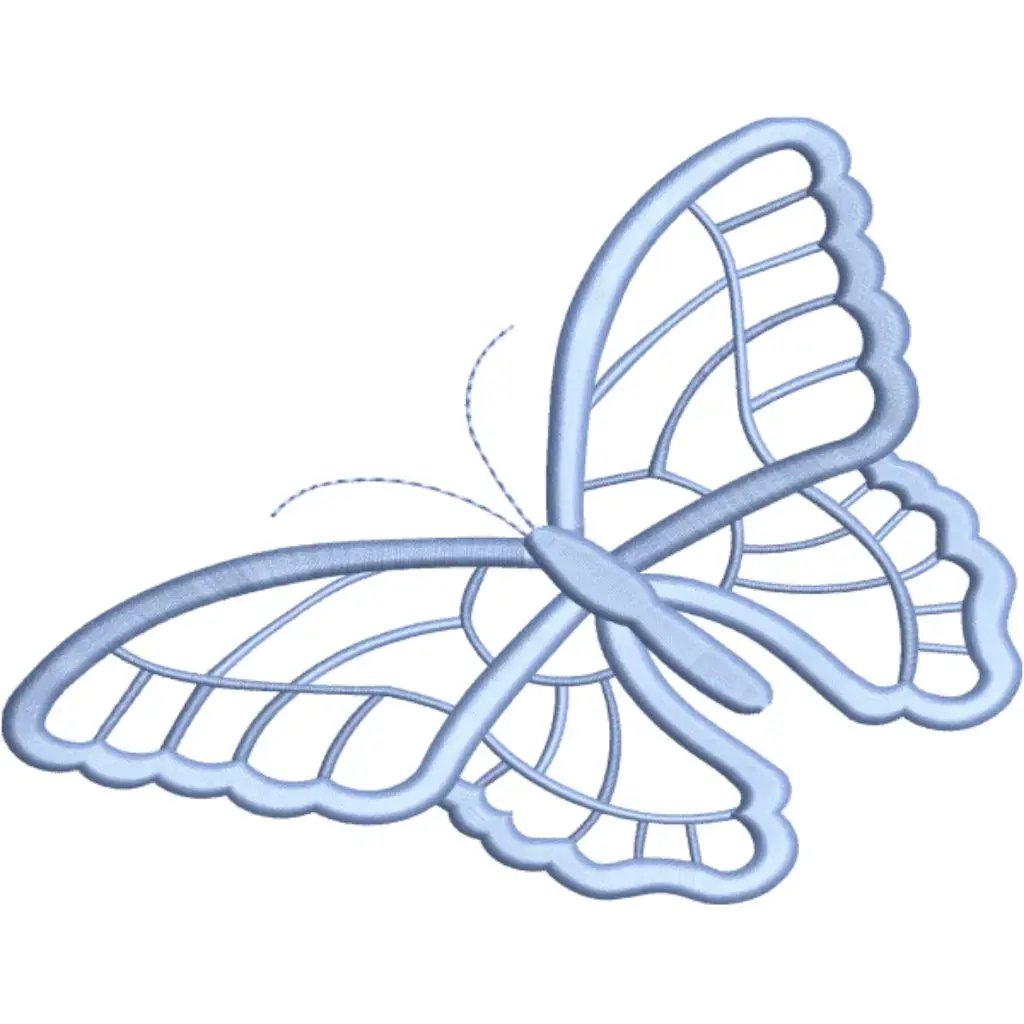
Butterfly & Floral
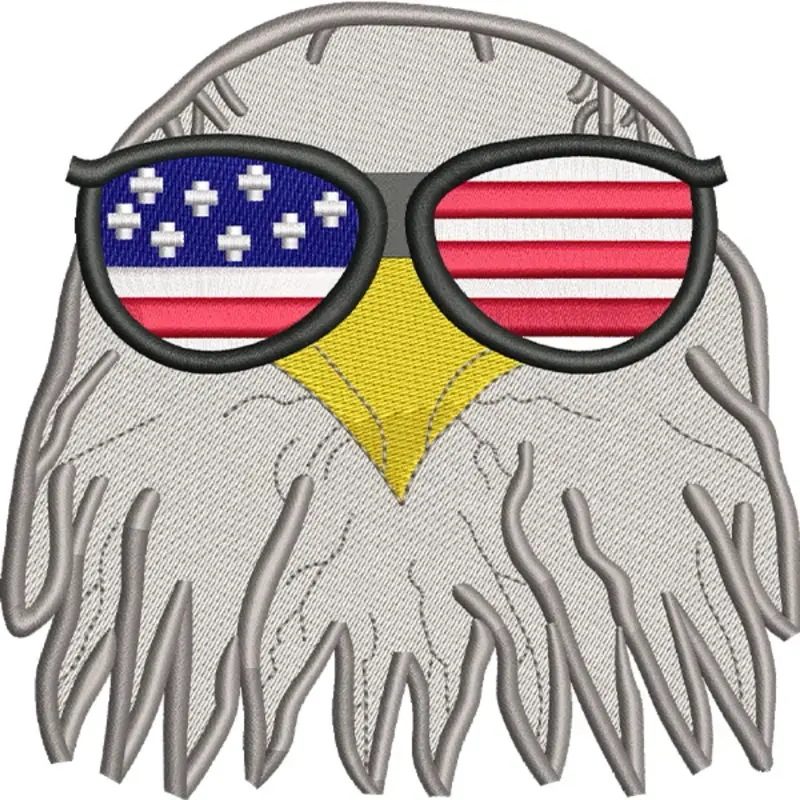
Eagle with Sunglasses
Floral Crest
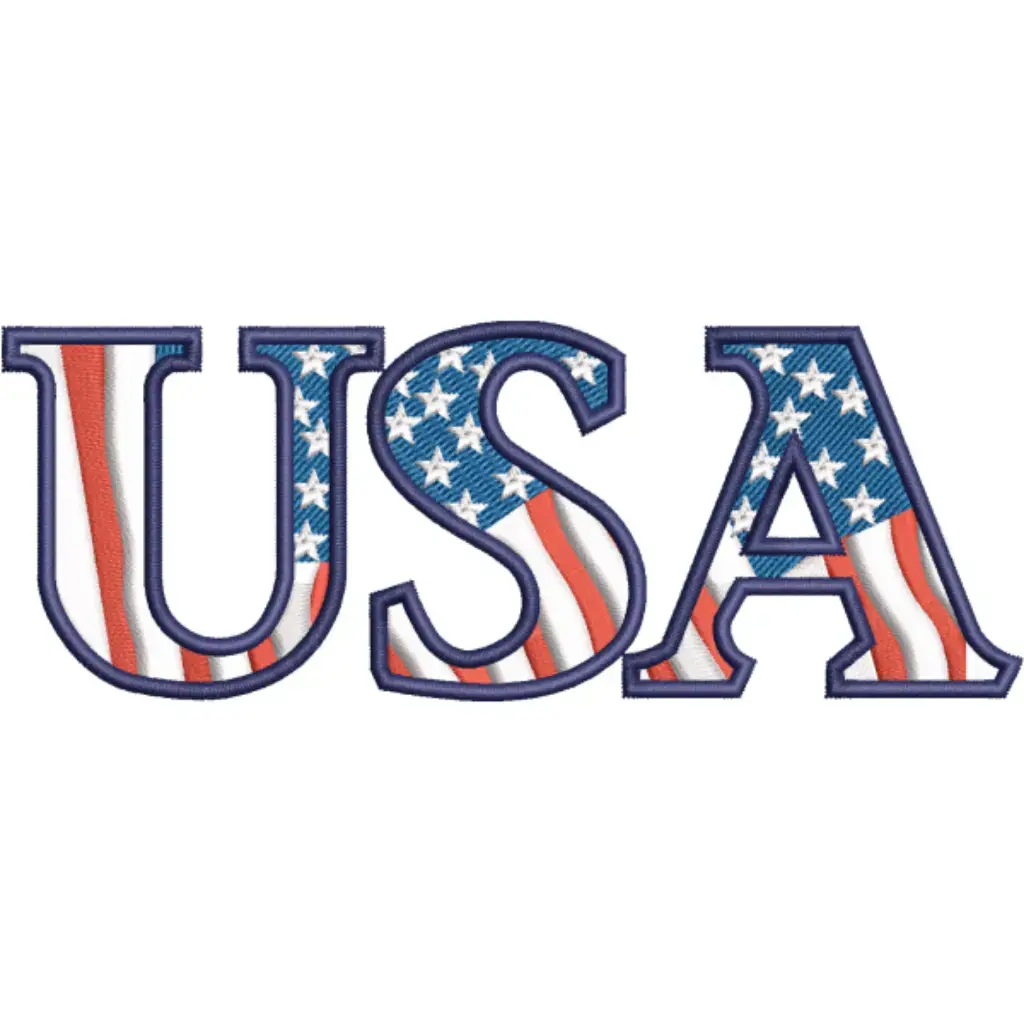
USA Modern Text
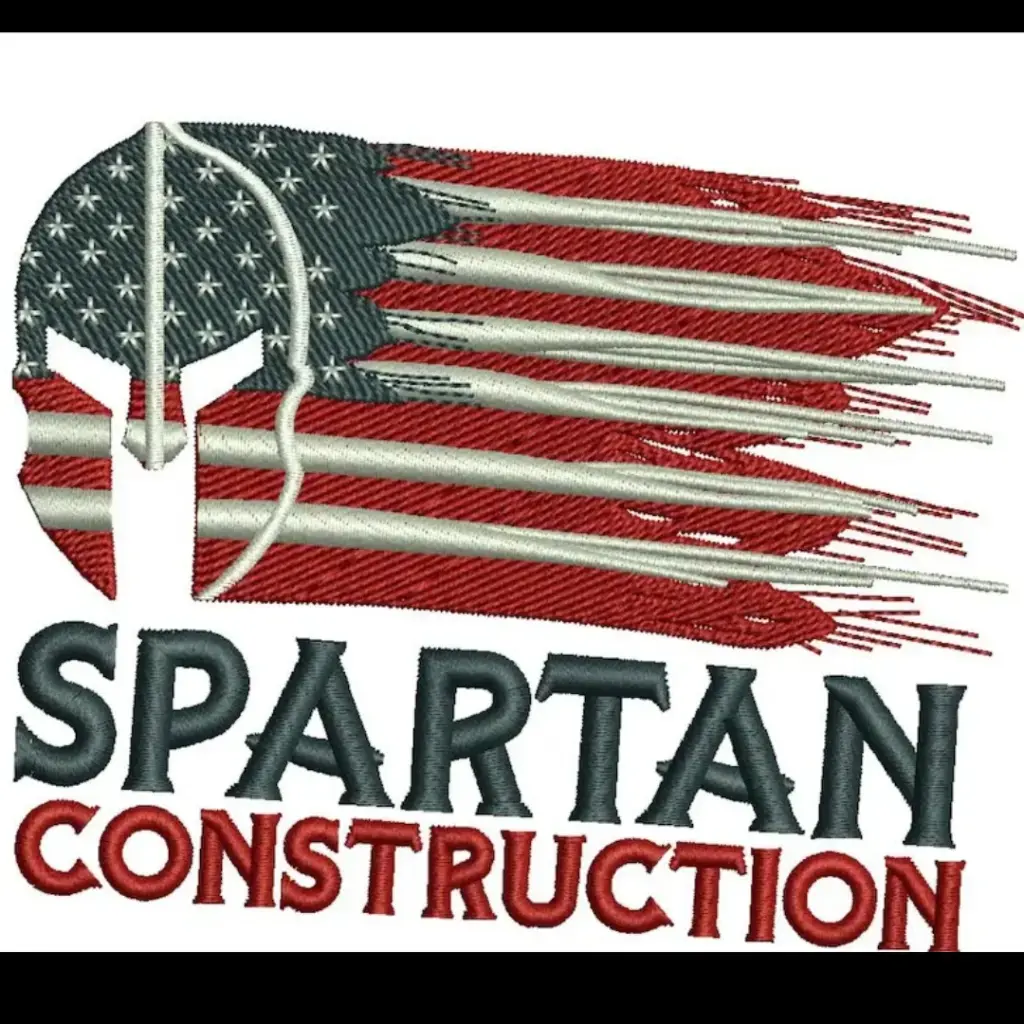
Custom Spartan
Seasonal Design
Latest Guides
How to Convert PNG to DST: 3 Methods Compared
Auto-digitizing software, manual digitizing, and online AI tools — a step-by-step breakdown of every approach.
DST vs PES vs JEF: Which Format is Right for You?
A clear comparison of the three most common embroidery file formats and which machines accept each one.
Stitch Density: Why It Matters and How to Set It
Too dense and the fabric puckers. Too sparse and coverage is poor. Learn the exact density ranges for common garment types.
Online Custom Embroidery Digitizing Service — Get Machine-Ready Files
Start your custom embroidery digitizing order now. Upload any image file and receive production-tested DST, PES, or JEF files within 1 hour.
Custom Embroidery Digitizing Service FAQ
Everything you need to know about our online custom embroidery digitizing service — cost, formats, fast delivery, and free revisions.